| Brand Name: | BL |
|---|---|
| Certification: | CE&RoHS |
| Function: | Firewall,VPN |
| Application: | 4g wifi router |
| Type: | Wireless |
| Place of Origin: | China (Mainland) |
| Model Number: | B260 |
| WAN Ports: | |
| Products Status: | Stock |
| WIFI 2.4Ghz: | 300Mbps |
| LTE: | TE Cat4:150Mbps(DL MAX)50Mbps(UL MAX) |
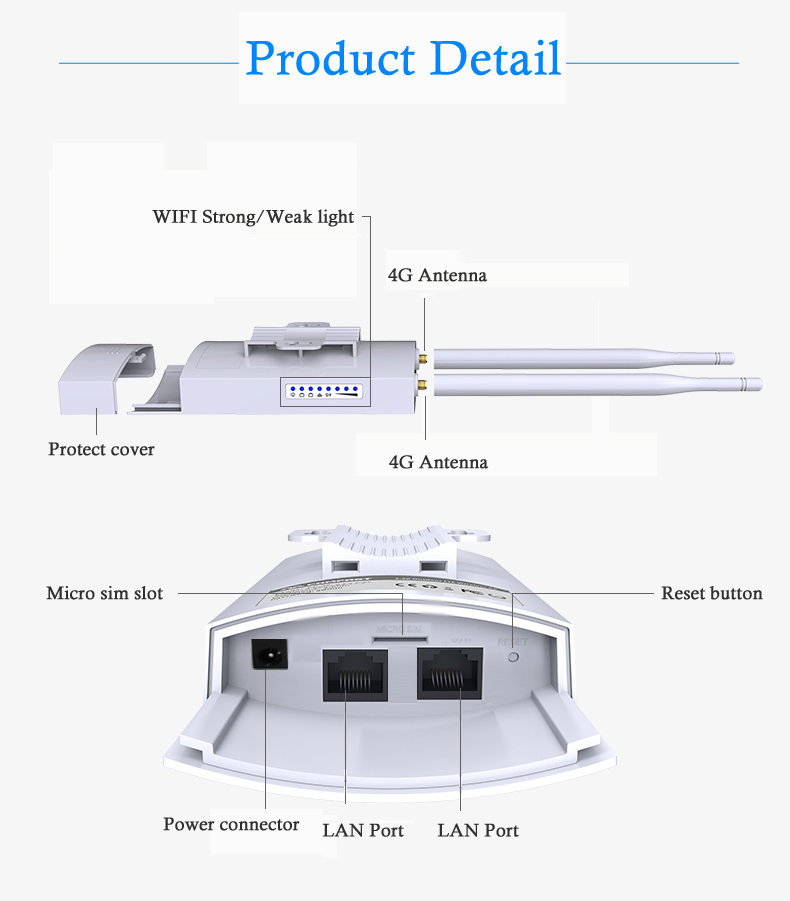
| Lan: | 10/100 LAN RJ45port |
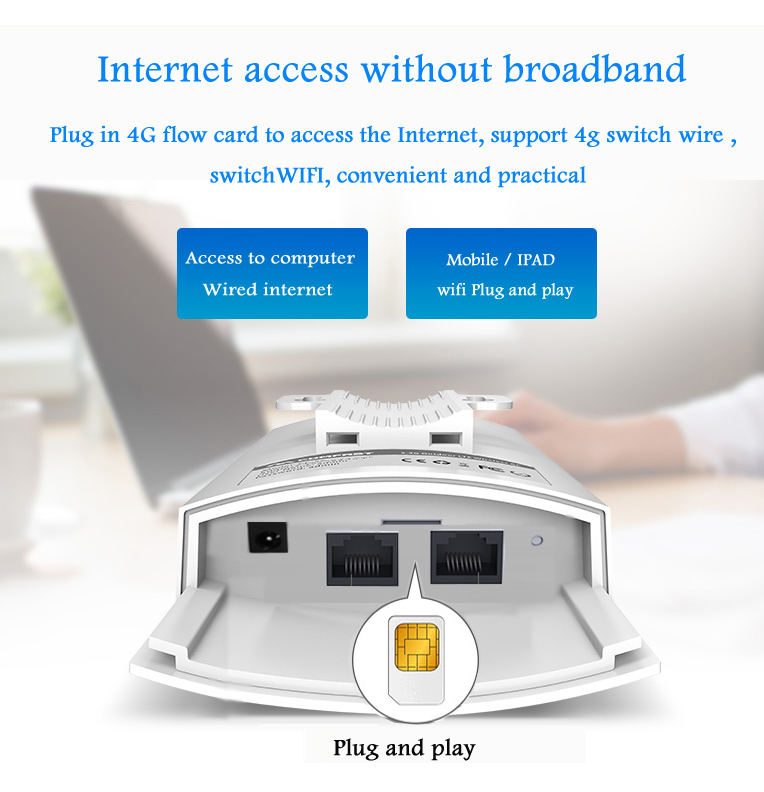
| SIM card slot: | 1micro SIM card slot |
| Rate: | LTE Cat4:150Mbps(DL MAX)50Mbps(UL MAX) |
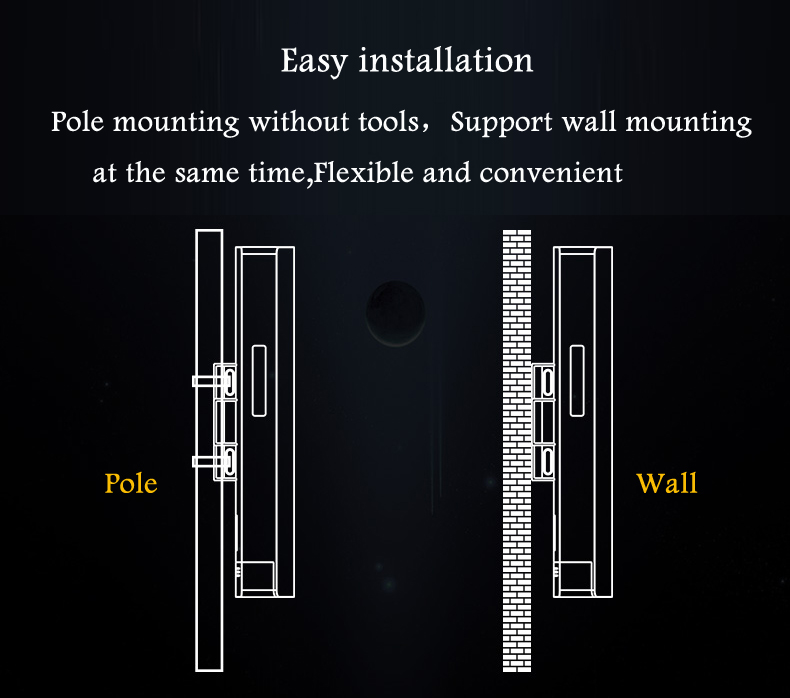
| Mounting method: | Pole-mounted installation,Wall mounting,Bracket mounting |
| Product name: | WiFi router |
| antenna connector: | 2pcs |
| Power Adapter: | 24V0.5A Power Adapter |
| Power consumption: | <12W |
Quick Details
Specifications
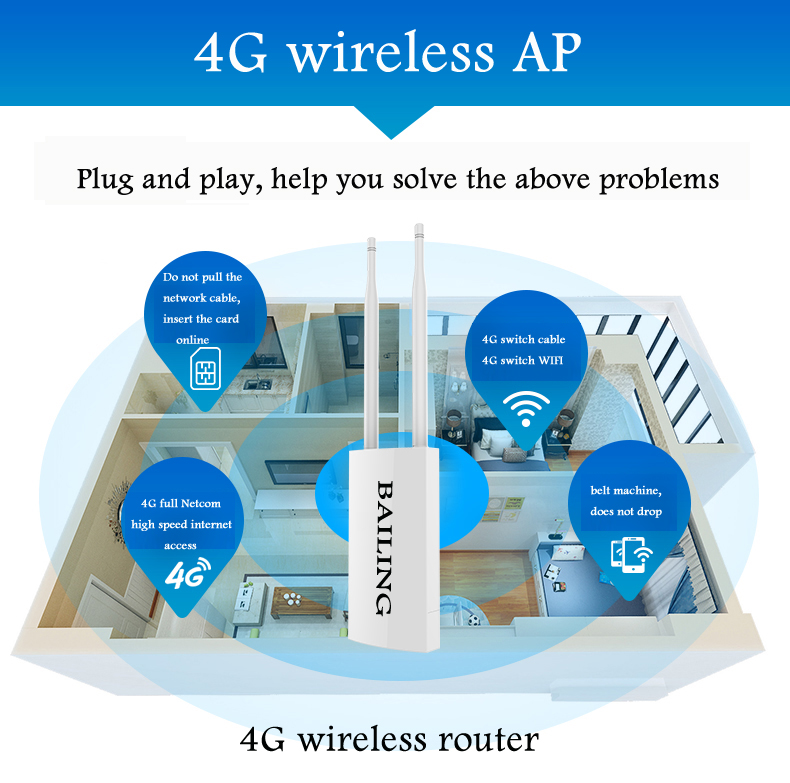
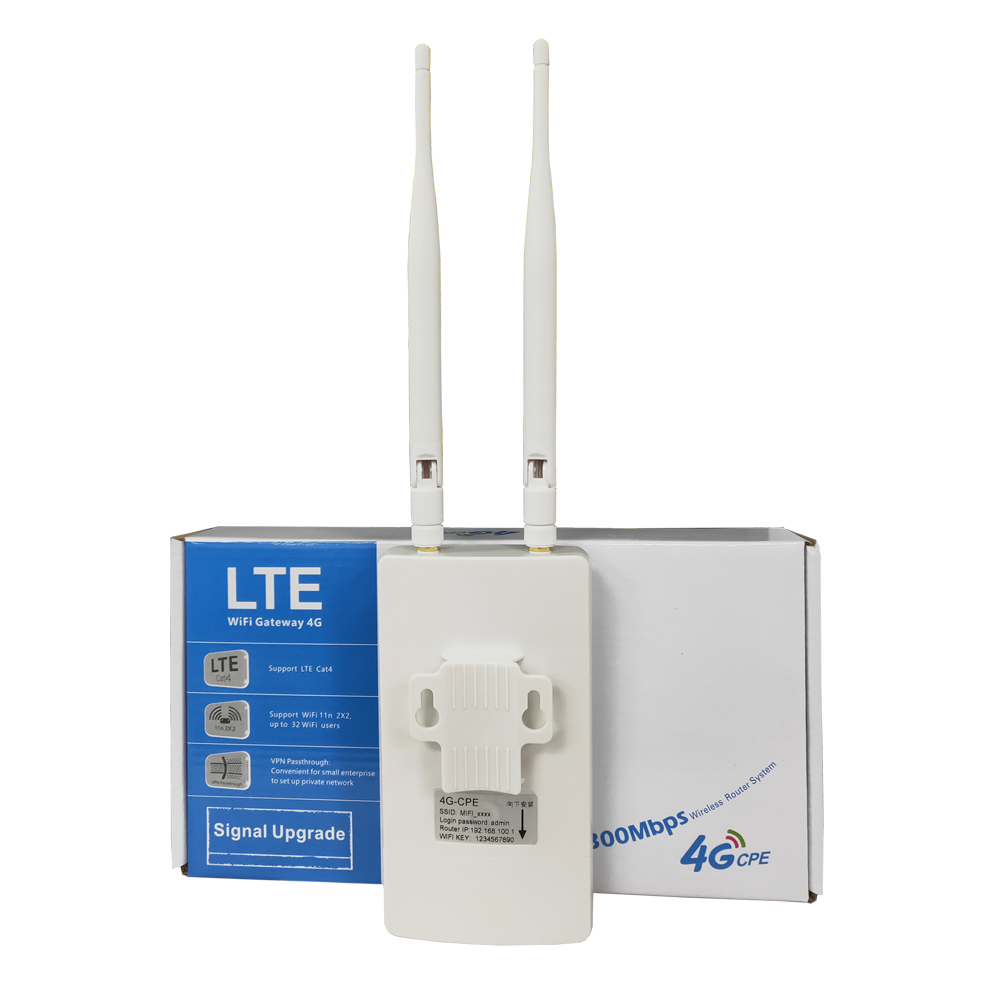
Indoor CPE 4G LTE WiFi router with 2 Ethernet Port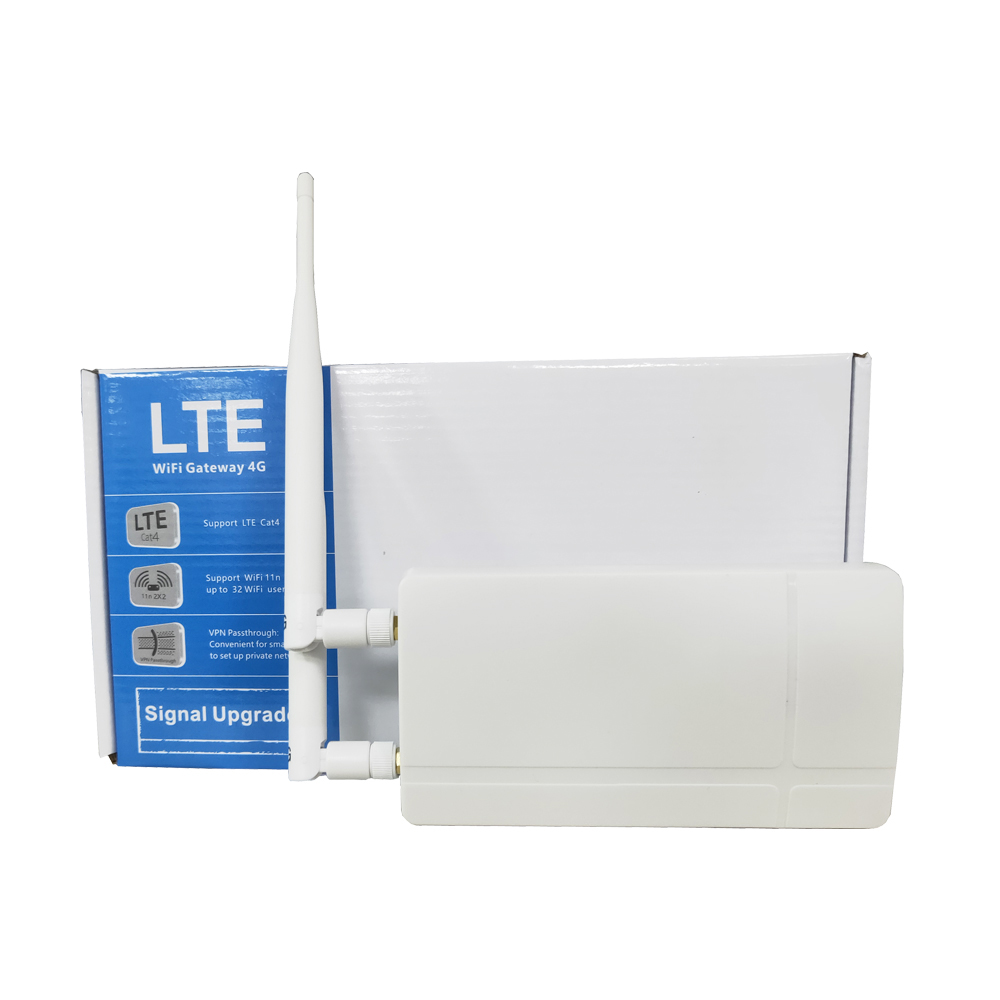
| B260 specification parameter | |
| Motherboard chip | Chip solution |
| Memory flash | |
| Power amplifier chip | |
| Antenna specification | Omnidirectional antenna |
| rate | 2.4Ghz:300Mbps |
| LTE Cat4:150Mbps(DL MAX)50Mbps(UL MAX) | |
| Physicalinterface | 2pcs10/100 LAN AJ45port support DC24V POE power supply; |
| 1RESET reset button | |
| 1micro USB port (support DC5V 2.5A power supply | |
| 1micro SIM card slot | |
| Indicator light | Power /WAN/LAN/WiFi/4G/3 signal intensity lights |
| Power | Power supply:2.4POEpower supply(100m)/USBport power supply; |
| Power Adapter:24V0.5A Power Adapter | |
| Power consumption | <12W |
| Protection level | IP66 level |
| Mounting method | Pole-mounted installation,Wall mounting,Bracket mounting |
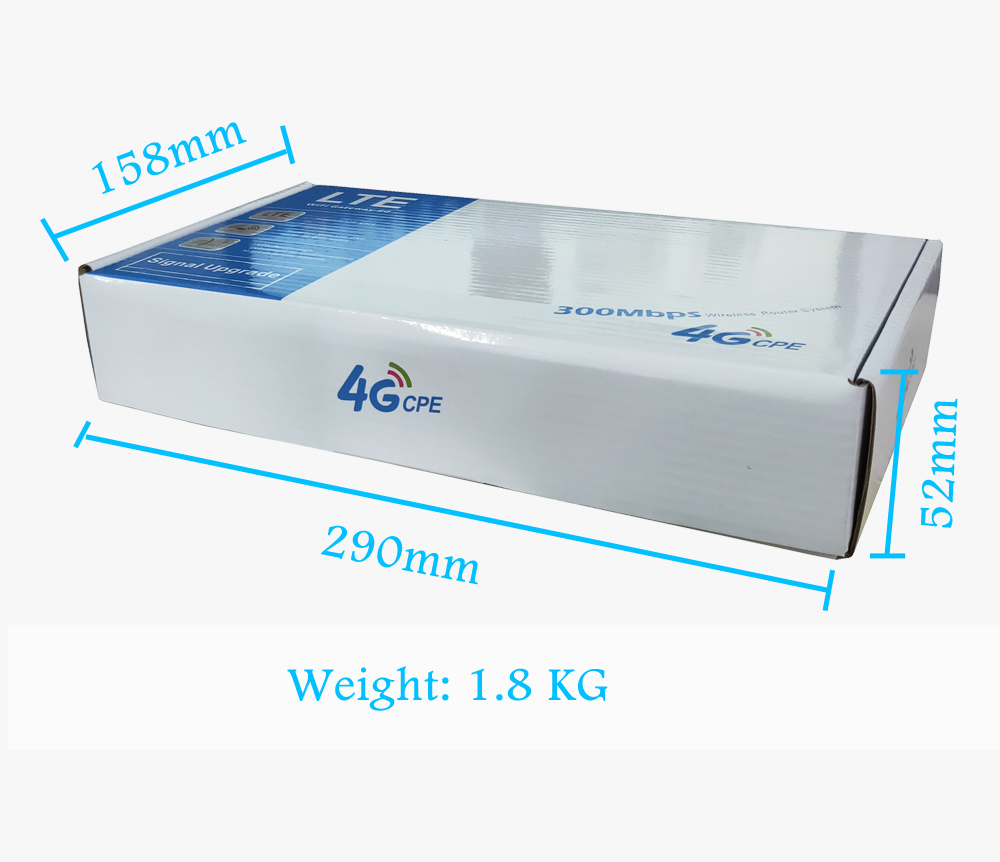
| Product Size | Dimensions:353*85*44mm |
| Using environment | Working temperature:-10~55 |
| Storage temperature:-40~70 | |
| Working humidity, no condensation:10%~90%RH noncondensing | |
| Storage temperature, no condensation:5%-95%RH noncondensing | |
4G Router B260 (support SMS function)
1. THe drop ANd REcharge FUnction:
Network disconnection self-test repair function: When the device is off the public network, it will be detected every 2 minutes, and it will automatically reconnect to the registration dial (if the SIM card has no traffic, it will automatically detect the dial without manual restart after the SIM card recharged) )
2. NEtworking MOde SElection:
2:1 automatic networking mode (in the automatic networking mode, if WiFi and 4G exist at the same time, it will automatically set up the WiFi network priority. If it detects that the WiFi network does not go to the Internet, it will automatically connect to the 4G network)
2:2 3G/4G mode: fixed 3G/4G Internet access
2:3 WiFi mode: You can choose the WiFi account and enter the password, it will automatically connect to the Internet on the WiFi network.
3. SSID can be set to be hidden or enabled, and the SSID name password can be modified.
4.Relay function (INTERNET WiFi) function, this function is when external WiFi Internet access, and directly use external WiFi to access the Internet, then it will not use 4G network. Function introduction:
(1), You can use WiFi, WLAN or USB connect to the computer, then enter the browser: 192.168.100.1,password:Admin,enter
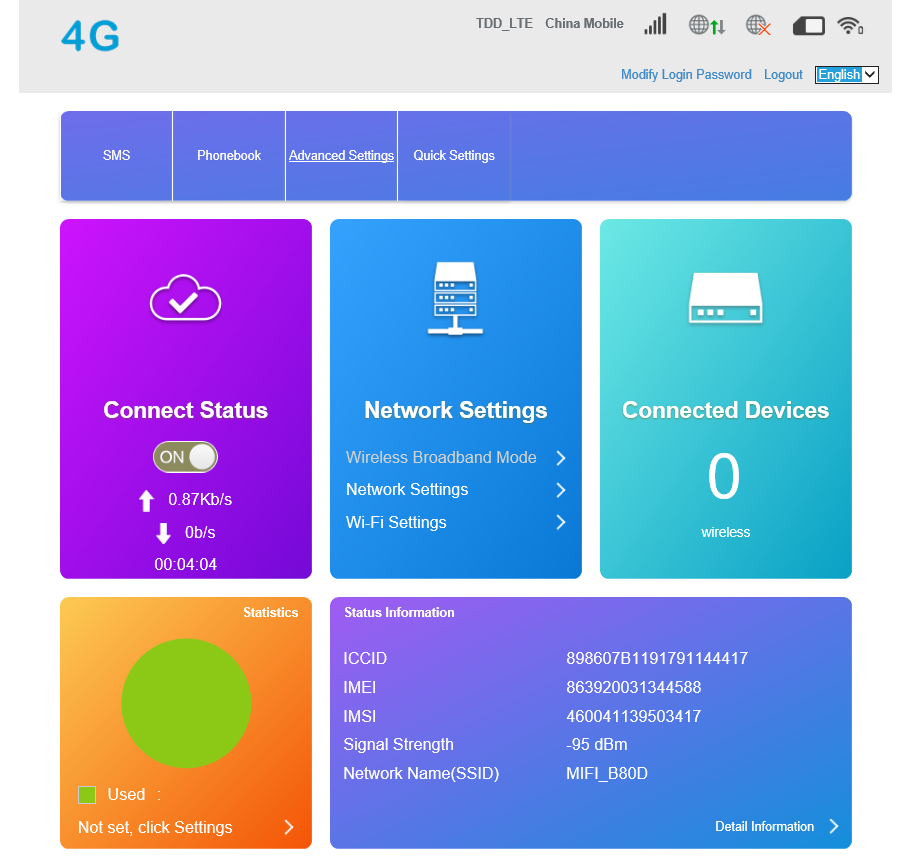
(2), click the WI-FI settings button, as below:
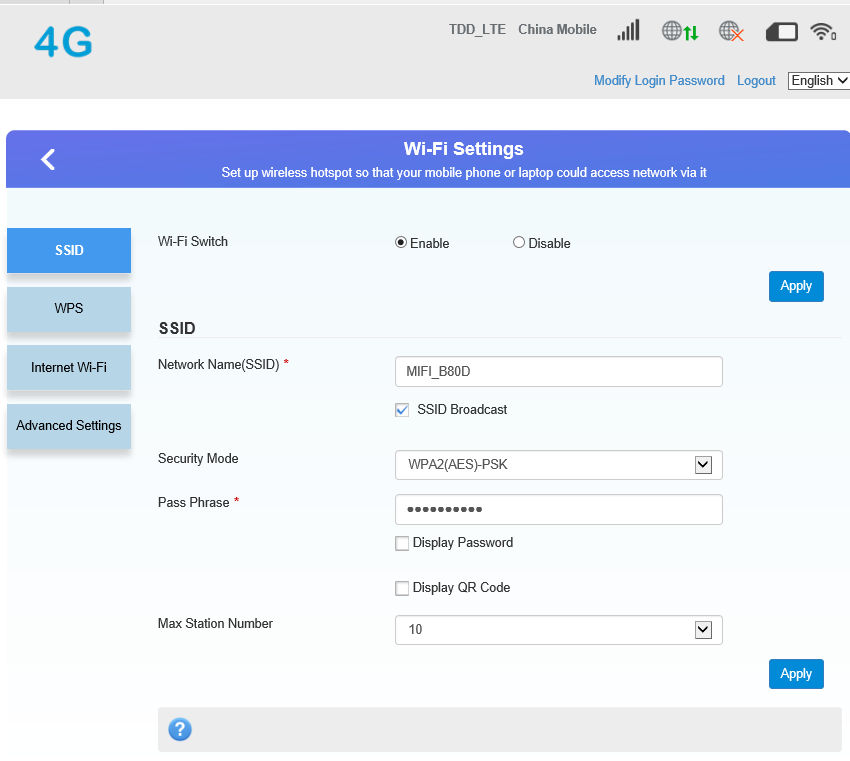
(3), click the internet WI-FI item, as below:

(4), click on the add item,
(5), search for a lot of nearby WiFi signals, find the required WiFi network, choose the WiFi network and add it.
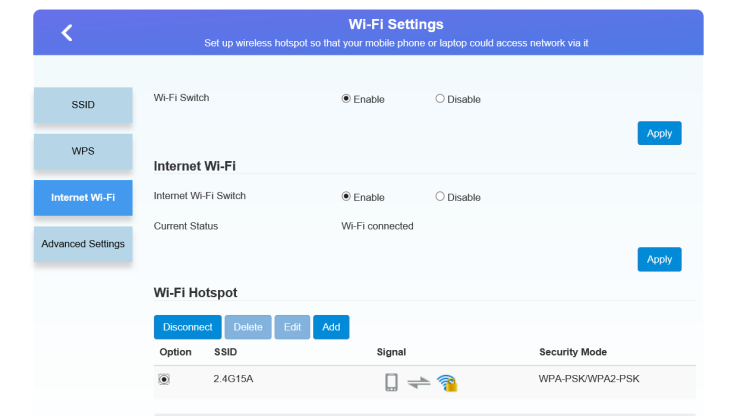
(6), Dot the circle of the option item, and click to connect to the menu, then the relay settings are completed.as below


Company Information
Wireless communication domain,Engages in R&D, Manufacture and sales of wireless products.
Bailing has been qualified with integrated quality management system and environment management system, and certified with ISO 9001 and ISO I4001 certifications. Bailing can provide products compliant with CE/RoHS standard.