



| Color: | Black |
|---|---|
| Function: | Bluetooth,E-Book Reading,FM Radio,Voice Recorder |
| Style: | Card |
| Battery Life: | > 20 hours |
| Brand Name: | other |
| Screen: | Yes |
| Memory Size: | 32GB |
| Model Number: | X29 |
Quick Details
Specifications
the following example is for you reference.
Features:
the reason why customers buy products is not because of price, but because of the value of the products themselves. Our MP3 digital player brings customers not only the value of the products themselves, but also the guarantee of high quality service.
Technical details:
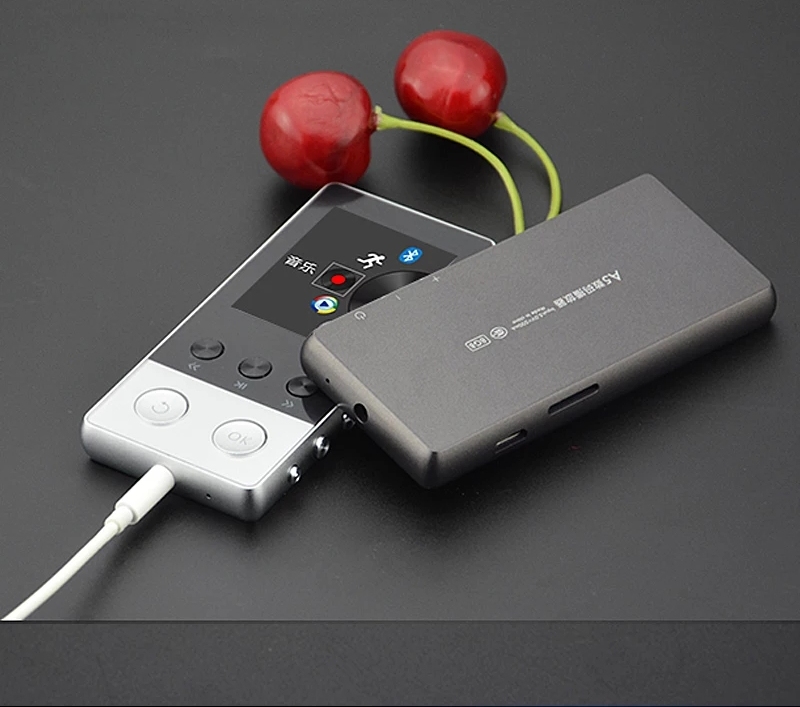
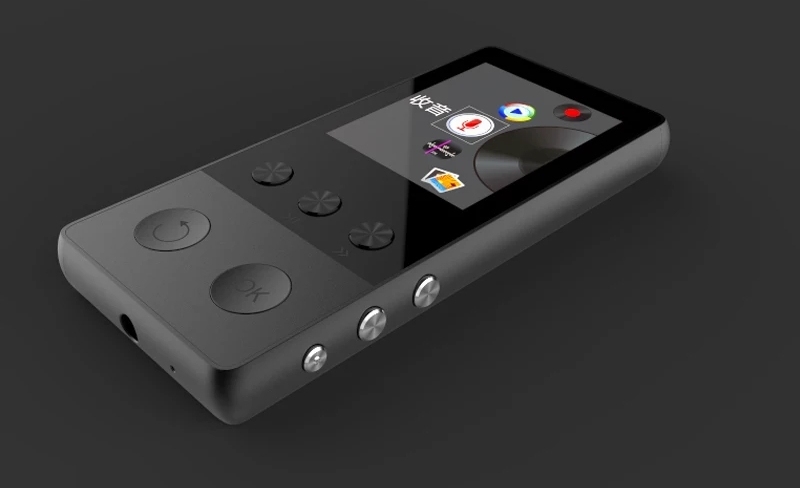
CNC integrates cutting and forming zinc alloy shell, combines ergonomics theory and German manufacturing technology to design a comfortable frame radian, comfortable button experience, so that you can not let go, using 1.8 Inch TFT high-definition display screen, so that the quality of the painting reflects the true color, restores the clearest quality of the painting, FM high-definition radio, full-band stereo,
Operation method of useage:
1. Boot-up operation: Put the boot button on (ON). If the light is flickering, it means that it is playing. If it is only on or off, power up the MP3 and repeat the steps above.
2. Shutdown operation: Put the boot button to the left to shut down and the indicator lights out.
3. Volume adjustment: long press the "+" button, you can adjust the volume, long press the "-" button, you can reduce the volume!
4. next song: gently press the "+" button, and vice versa.
5. Indicator lamp: Play state - the lamp flickers, in the charging state, the lamp is on when charging.
6. Connect the computer: Connect the computer with the USB cable provided by MP3. after popping up the mobile disc characters, you can check in and delete the files. Please do not pull out MP3 directly after operation. You should go to the lower right corner of the computer and delete the hardware first and then pull out.
Package:
(1) All is based on actual packing.