| Mechanical Life: | 3-5years |
|---|---|
| Max. Voltage: | 240VAC |
| Max. Current: | 16A |
| Size: | 40 *40.5 * 21mm |
| Brand Name: | Ogemray |
| Model Number: | SW31 |
| Place of Origin: | China (Mainland) |
| Data transmission: | WiFi 2.4GHz |
| WiFi chip: | ESP8684H2 |
| Input voltage: | 100-240V AC, 50/60Hz |
| Rated current: | 16A |
| Rated power: | 3500W |
| ON/OFF control: | 1 Gang |
| Reset button: | Housing button |
| Blue indicator: | 1PCS |
| Dimension: | 41*40.5*21mm |
| APP support: | Support Android6.0 and iOS11.0 or above |
Quick Details
Specifications
Top quality 30A 4500W 1 Gang 2 way WiFi smart remote control relay switch support APP / Voice control Alexa Google
If you have any question,please contact us freely.
If you have any question,please contact us freely.
1. Product Function
- It is installed in a wall mount to control high power electronic appliance at home.
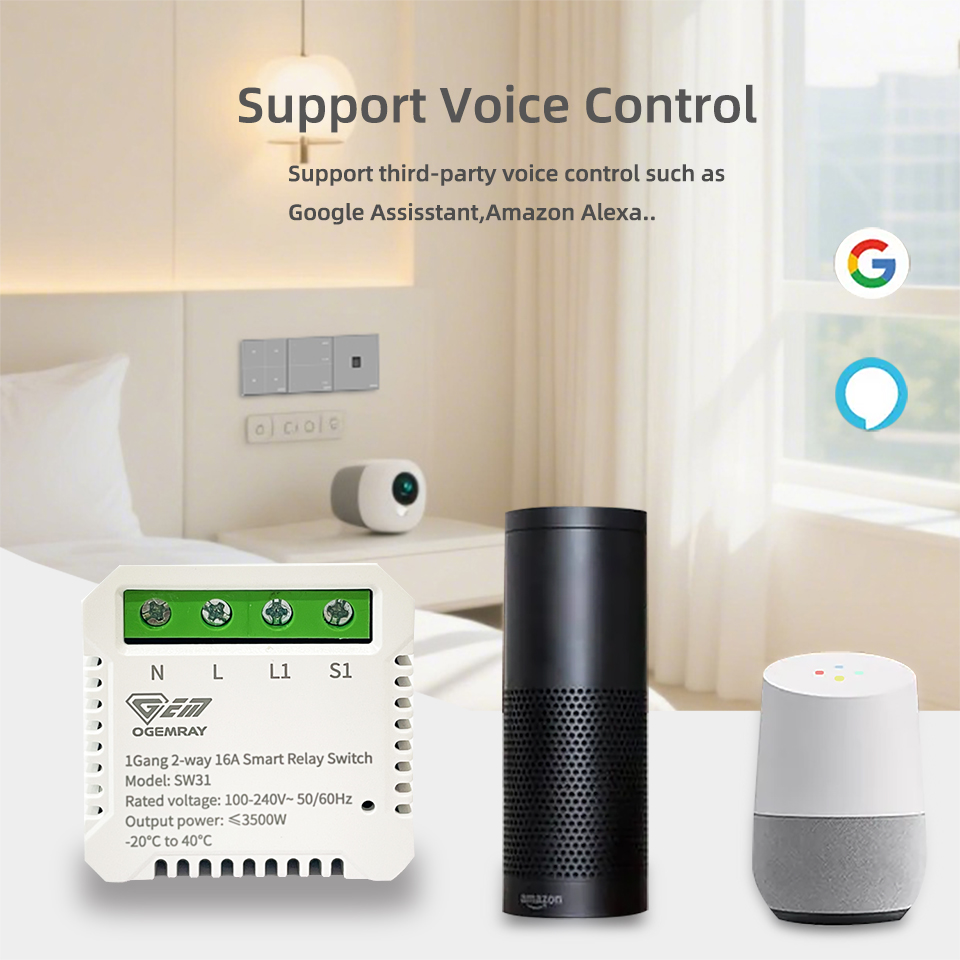
- Works with Alexa and Google assistant, control Lamp or small appliance with your voice.
- 16A relay switch control, sUpport high-power household appliances.
- Patent WiFi access technology, users configure network one step intelligently by APP.
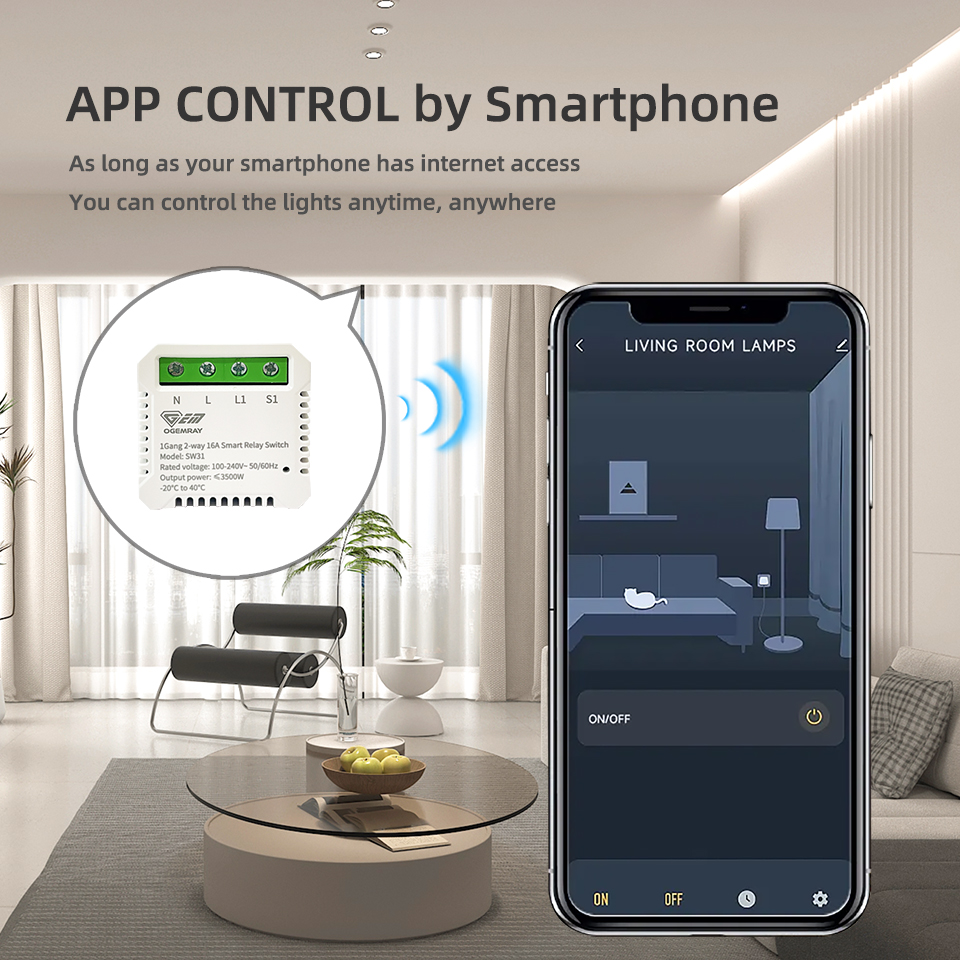
- Control lamps and appliance from anywhere by APP withMobile networkAccess
- Energy saving: Reduce energy use, eliminate wasteful standby power
- Set schedule: Turn on/off your devices based on specific time you set
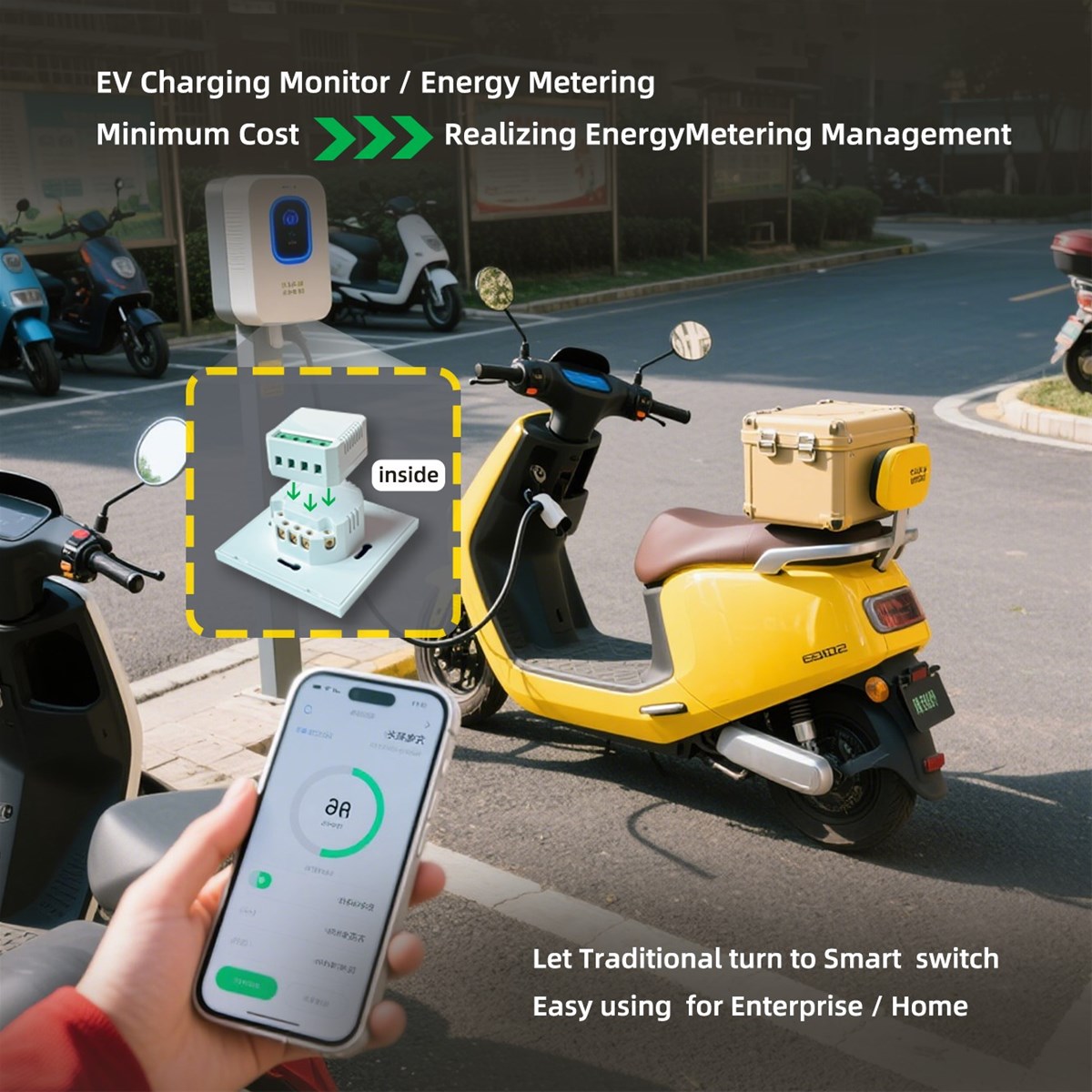
- Real time pOwer monitoring
- Smart scenes and automation support.
- Multiple user control
- Group control
- COntrol history view
- Support 2.4GHz WiFi
2.Works with Alexa and Google assistant
the smart switch works directly with Amazon Alexa and the Google assistant, you can manage your devices through voice control like turn on/off. Assign a name to each smart switch and communicate with switch by name when making a voice command, Users could purchase these intelligent speakers on the market for convenient usage.
to voice control the smart switches, we need to complete simple configuration in addition.
Open Alexa APP,sEarch skill"Seetime" , complete account authorization, discover new device.
Open Home APP,sEarch service"Seetime", complete linking account.